
updated on August 21, 2026 / by Taras Kushnir
You received 1000+ fake sign-ups. What now?
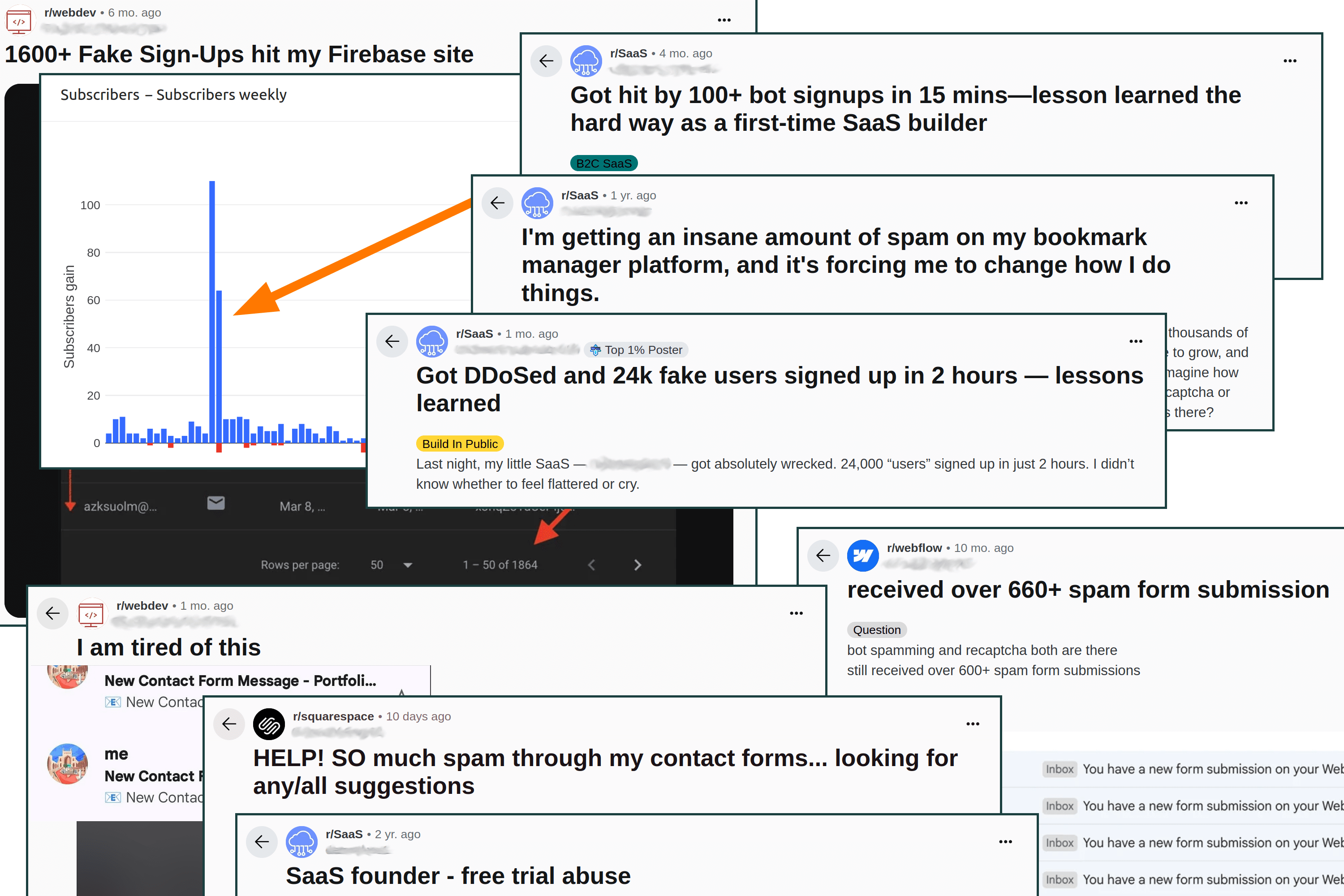
Your newsletters’ signup list grew by 500%, which made you quite proud and happy until you looked at all those auto-generated emails? Ok, that happens to almost everyone (hopefully, only once). But what exactly to do once it has happened? And how do you prevent it in future?
Mitigation
Stop the leak
Here’re your (mostly mutually exclusive) options, sorted from most user-friendly to most extreme:
- disable registration (you thought about such config option in advance, haven’t you?)
- disable/redirect your
/signuppage (potentially on the level of your CDN/proxy, not directly in code) - block all non-GET requests (temporarily) on the level of CDN/proxy
- put website into the maintenance mode (quick-and-dirty, but nuclear, a last resort option)
Repair existing damage
Before doing anything destructive, take a snapshot/backup of your database or server!
If the problem is just that someone’s bots created a bunch of new accounts via your exposed form POST URL and did nothing else inside your system, you may breathe out and call it a day proceed to the next section, but you need to investigate first.
If you’re less lucky, you’ll need to fix the damange. Steps involved usually depend on the level of damage and your readiness. Usually you need to find when the spike started either from the logs (can be your server or database logs, your CDN provider logs) or from the DB metadata (assuming your users table has something like created_at column).
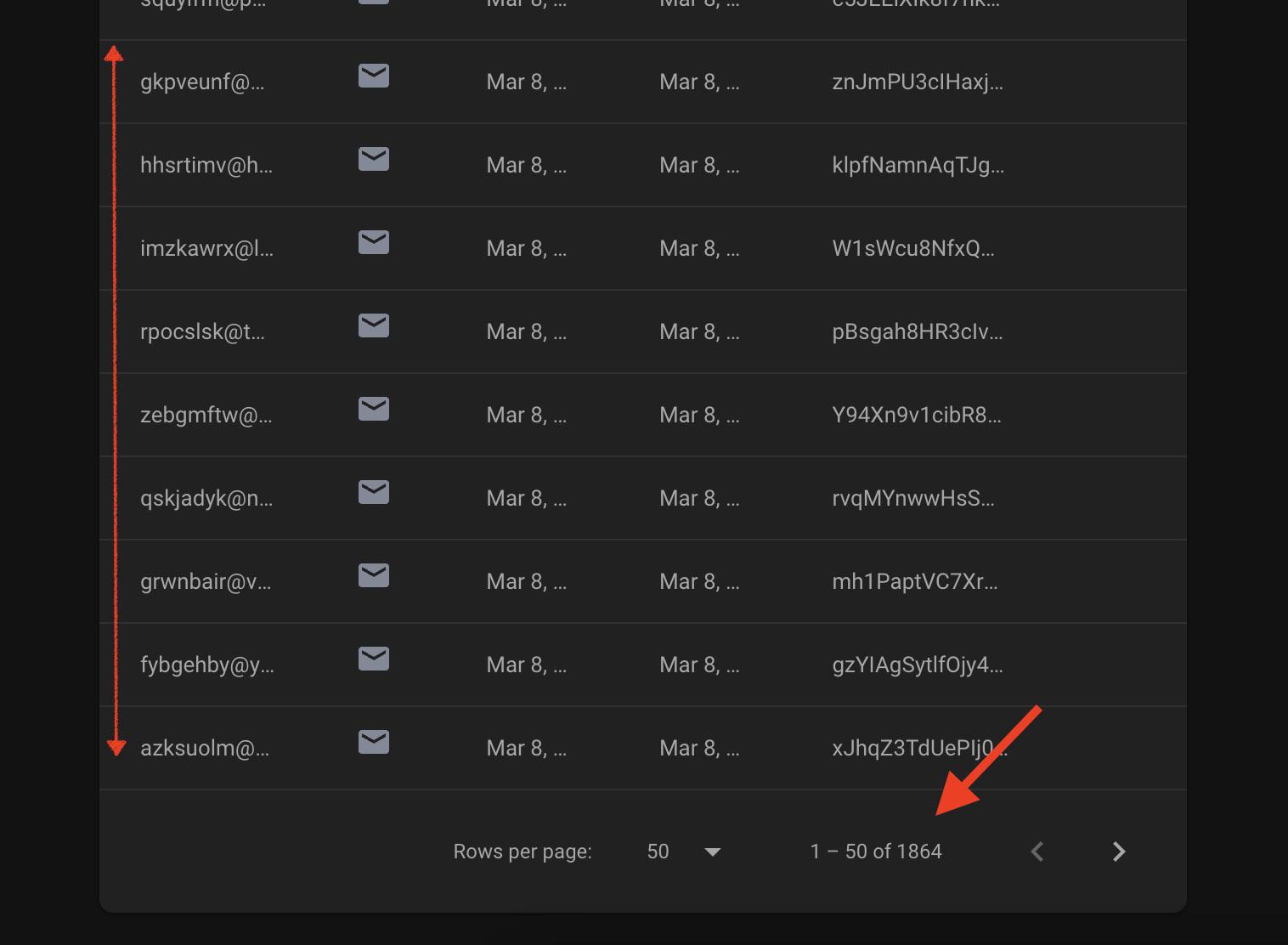
Fake sign-ups (courtesy of Reddit). Look for name, time, or email patterns.
A good idea would be to investigate newly created users to see if their name/emails have certain patterns in order to spare legit users from the blast. As well as what exactly was the impact of their actions post registration.
Here’s what you would usually do:
- restore the database (or server) from the latest backup (you do have backups, isn’t it?)
- disable all newly created users and all of their credentials (sessions, API keys, any 3rdparty connections/integrations they managed to establish)
- restore all changes (especially “external” or “expensive”) they made to the environment (e.g. acquired compute resources, created new domains/subdomains etc.). To know the changes it is a good idea to read the logs (e.g. audit logs if you have them, or application logs).
- contact/notify your existing users if your actions (or bot actions) materially affect(ed) the service availability or other business objectives
Prevention
Sure enough, while you were doing the mitigation, some of the missing pieces of your infrastructure became obvious. Maybe backups were missing at all (or you never tried to restore them), maybe you never saved the logs or you don’t have the audit events. Just note them and don’t try to fix everything at once. Fixing these things is better when the mitigation part is complete and you will calm down.
Finding (and fixing) the root cause
Of course, the reason you got sign-ups was that your registration form (or its alternative) was “not protected” enough. But we need to go deeper, usually asking “5 why’s” (or, at least, more than 1) in order to find the root cause. Sure thing you will fix the form itself, but understanding the root cause helps with a better solution overall.
Most root causes fall into 2 categories:
- technical problem (e.g. unprotected form, no CAPTCHA etc.)
- business problem (the “free tier abuse”)
Free tier
It’s better to address the “free tier” problem first because almost all of the technical problems are much easier to fix. You’ve got a business problem, if you’re running a free tier of your service as a marketing channel. There’re a few points to make here:
- even real free tier users, at least
99.9%of them, will never pay for your product anyways - launching without free tier will help you see if it solves an actual pain (so that someone is willing to give you their credit card). The fear of rejection is real, so it’s hard to turn it off.
- free tier works only on a certain level of business maturity and only for certain product-market fit categories. There’s a very high chance you are not one of them!
- free tier attracts more abusers than the real customers, so you are effectively creating extra maintenance work for yourself (instead of product/marketing efforts)
Instead of free tier, there’re a few good options (choice depends more on your taste or business fit):
- money back guarantee (just delete the free tier and offer 30-day money-back guarantee)
- symbolic, yet non-zero price (for example, for a long time Ahrefs offered a 7-day trial for
$7, until even that was abused) - just drop the free tier altogether (there’s a lot of evidence that it does not hinder the growth of your product, read more from Rob Walling or Jason Cohen)
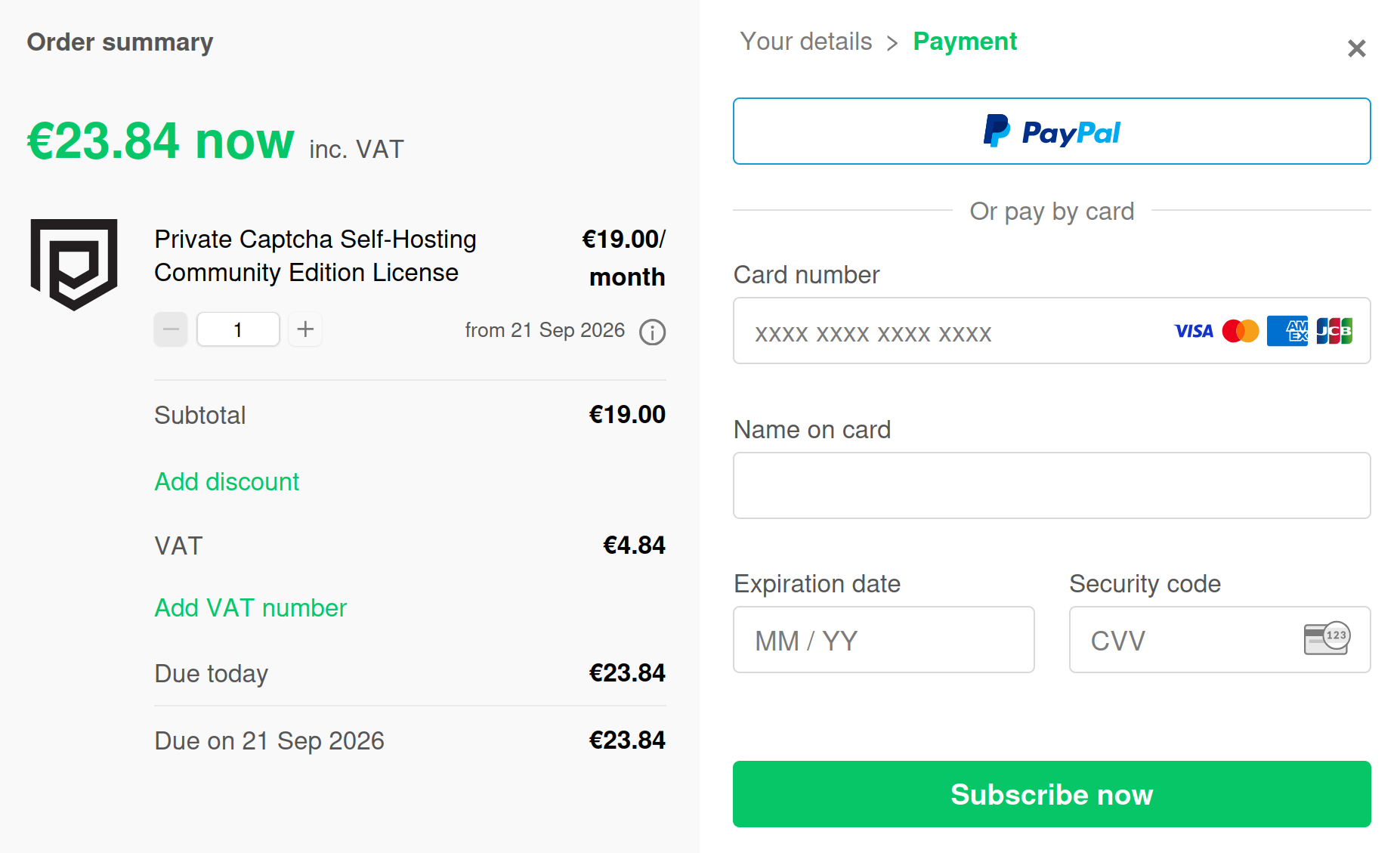
Payment requirement is also a CAPTCHA of sorts
Basically, remediation of this problem is requiring a credit card upfront either with a payment (and offering money back guarantee) or without a payment (limited free trial). Either way you will collect a credit card which serves as an additional verification layer in the system.
Technical problem
This is the “easier” category because most of these problems have known solutions, you just need to “pick your poison”. You should also note the “swiss cheese” security model: each security layer has “holes” (weaknesses) in it, but when stacked together, multiple layers result in much better security. So treat each item below as just one “slice”:
- no CSRF protection (this is the very basic, yet easy-to-miss layer of defence for a form. Ensures your server has to serve the form first before you can submit it and allows to do apply some security already.)
- no CAPTCHA (this is the easy one, just add a proof-of-work solution like Private Captcha and be done with it. Proof-of-work captchas don’t increase user friction, but still stop bots. Correctly integrating with CAPTCHA will solve
99%of your spam problems, but remember that it is only a single layer in the security system) - no rate-limiting (especially for unauthenticated users, all of your endpoints have to have strict rate limits. Just note that for the rate-limit key you’ve got to use JA4 hash, and not the IP address. IP addresses as a key now are mostly useless, because of huge networks of residential proxies and other IP rotation services. JA4 is a TLS fingerprinting method that represents unique way how a client establishes a TLS connection. Most CDNs, such as Bunny or Cloudflare calculate JA4 for you and pass it via HTTP headers.)
- no validation - e.g. disposable emails check (there’re a couple of lists on the internet, should be easy to add to any technological stack)
- direct connection to “the internet” (use a CDN such as Bunny or Cloudflare, a load balancer or any other proxy. If you have a “raw” URL only from Firebase or AWS Lambda, you can use feature like form forwarding).
Another way to solve the login is to use an external provider, depending on your target users (e.g. “Sign in with GitHub” if those are developers etc.). However, it’s good to do it in addition to your usual login flow and not instead of it.
Technical problems also sometimes have non-technical solutions. If your product is not a mass-market product (like a social network), you may limit (or at least review) registrations manually. In the early days (assuming you’re there as you’ve got a “fake signup” problem in the first place) having conversations (and thus relationships) with your early customers is extremely beneficial for the product anyways.
Also worth noting that most of these technical solutions are adding some kind of friction to the sign-up process, but you should not be afraid of friction. There’re marketing studies (from Baymard institute) that show that when users actually want something, some friction is even beneficial for the results.
Monitoring
After you implemented the prevention, it’s good to monitor if it’s working (in other words, alerting in case something is not working as intended).
Monitoring can imply checking verification rates from CAPTCHA, spot-checking new accounts of your service (which you likely should be doing anyways), getting notifications on spikes of registrations early (or earlier than the previous time).
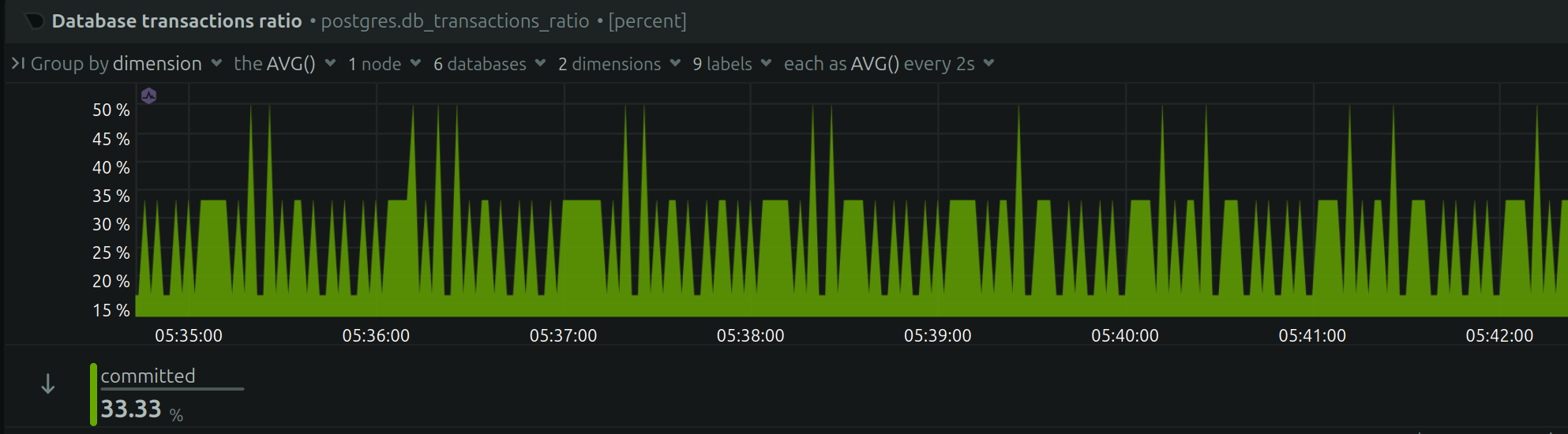
Netdata with DB transactions. There're multiple ways to monitor the same thing.
You can implement most of these alerts and suspicious activity yourself and in the beginning it will be enough. Install Netdata and you will get a couple of alerts out of the box (e.g. DB transactions spikes). Alternatively, even if you don’t have a “data warehouse”, you can have a cron job with SQL query and a Pushover account. However, should you want more “enterprisey” solution you can even deploy (or self-host) something like Tirreno.
Next steps
If you’re new to security topic, OWASP Cheat Sheet series is a great starting point to familiaze yourself with what else can go wrong. Note that at this stage it makes sense to focus on higher level attacks (level 6 and 7) since lower layers should be covered by your hosting provider and CDN and there isn’t much you can usually do (given you setup correct network/protocol limits for your tech stack and configured system firewall).
You can also ask your favorite LLM to guide you through application layer security for your stack and achieve a lot that way - you don’t even need “Cyber-level model” for that.